
How No Code Tools Are Making App Development Easier
Application development used to be a complex process that required advanced programming skills, long development cycles, and expensive engineering teams. For many startups, freelancers, and small businesses, building software was difficult without hiring professional developers.
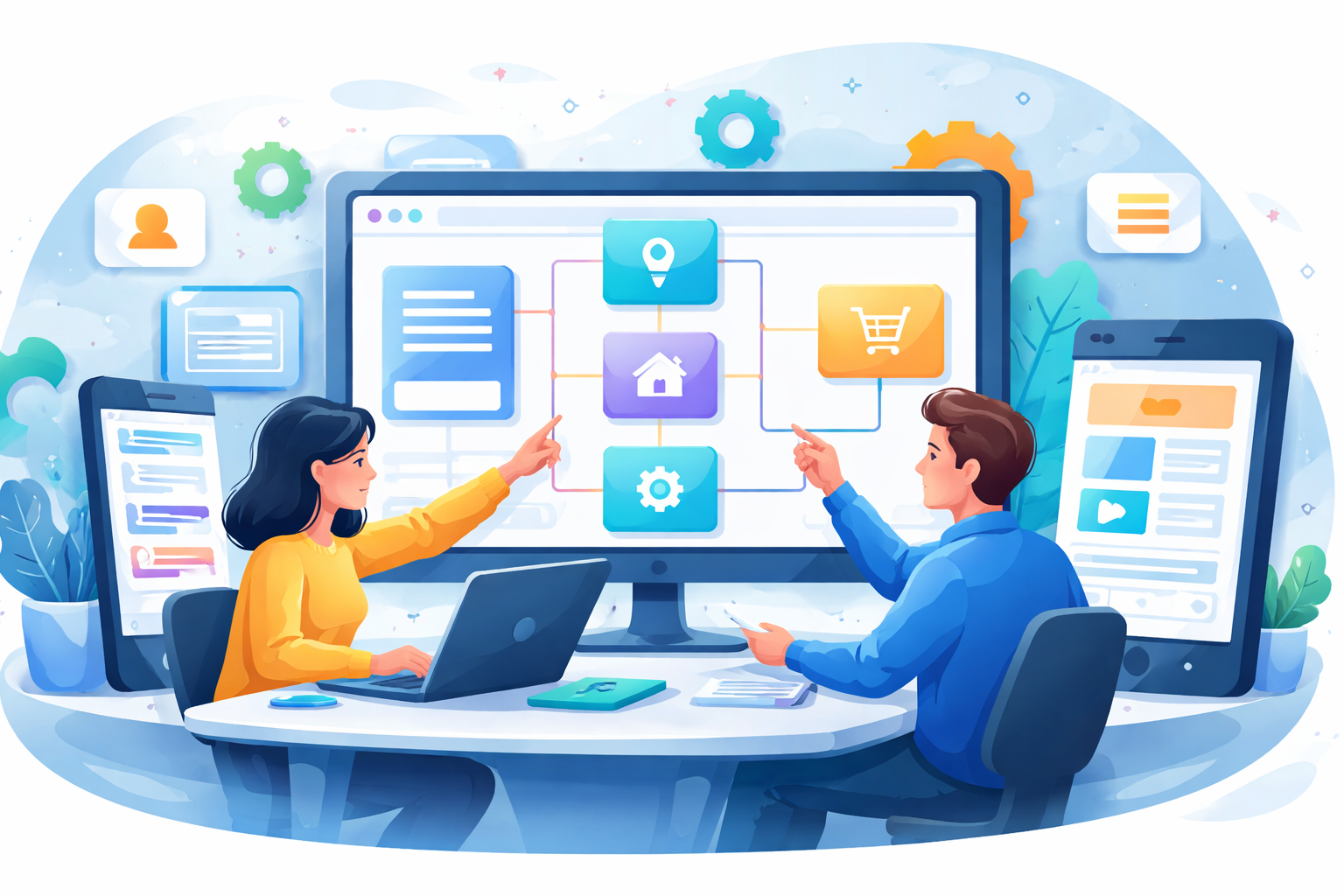
A new approach to development has started gaining attention in recent years. No code tools allow people to create applications through visual interfaces rather than writing complex programming scripts. This shift has opened the door for entrepreneurs, creators, and small teams to build digital products without deep technical knowledge.
Instead of writing thousands of lines of code, users can design application layouts, connect databases, and create workflows using drag and drop interfaces. This approach has made software creation more accessible and faster than traditional development methods.
The growing popularity of no code platforms shows that many people want a simpler path for building apps, testing ideas, and launching digital products.
What No Code Development Means
No code development refers to building software applications without traditional programming. These platforms provide visual tools that allow users to design interfaces, manage data, and connect different features through simple configuration panels.
Most no code platforms include ready made components such as:
- Databases
- User authentication systems
- Forms and dashboards
- Workflow automation tools
- Design templates
A user can connect these components visually instead of writing complex scripts. For example, a form submission can automatically create a database entry and send an email notification through simple workflow settings.
Large technology companies have introduced visual tools within their ecosystems. Platforms from organizations such as Microsoft and Google include visual development environments that allow teams to build internal tools without traditional coding.
This shows how visual development tools are becoming a recognized part of modern software creation.
Why No Code Platforms Are Becoming Popular
The demand for faster digital product creation has pushed businesses toward tools that remove technical barriers. Organizations want to test ideas quickly and release services without long development timelines.
No code platforms support this need through simplified development processes.
Faster Product Creation
Traditional software projects often require weeks of planning, coding, and testing before a product reaches users.
No code platforms reduce development time by providing ready built components. A creator can assemble these components into a working application within a short period of time.
Startup founders frequently use these platforms to build early versions of their products and gather user feedback.
Lower Development Costs
Hiring software engineers can be expensive, particularly for early stage startups or small businesses. No code tools reduce this financial barrier by allowing individuals to build applications independently.
Freelancers and agencies often deliver projects using visual builders, allowing clients to launch digital services without large engineering budgets.
Accessibility for Non Technical Creators
Many people have strong product ideas but lack programming knowledge. No code platforms allow these creators to turn their ideas into working applications through visual interfaces.
Designers, educators, marketers, and business owners can create useful tools without learning complex programming languages.
Types of Applications Created With No Code Platforms
No code tools support many types of digital products. These platforms are capable of building applications used by businesses, startups, and creators.
Web Applications
Web applications are one of the most common products created with no code platforms. Entrepreneurs build directories, booking platforms, membership websites, and customer portals.
Visual builders allow creators to design user interfaces, manage databases, and connect workflows without writing code.
This approach allows startups to launch a working platform quickly and validate their business idea.
Mobile Applications
Mobile app development once required separate engineering processes for Android and iOS. Visual development tools simplify this process through unified design systems.
Users can create screens, connect data sources, and publish apps through simplified interfaces.
Small businesses use these tools to create customer apps, booking systems, or internal management tools.
Internal Business Tools
Organizations frequently require internal systems to manage tasks, track projects, handle customer information, and monitor operations.
No code tools allow teams to create internal dashboards and workflow systems quickly. These tools often include forms, task management boards, reporting panels, and database views.
Teams can build solutions that match their workflow without waiting for software development teams.
Startup Prototyping With No Code Platforms
Startup founders often face pressure to present a working product before investors or partners support their idea.
Building a full software product through traditional development can require significant time and financial investment. No code platforms provide a practical solution for early stage product development.
Founders can create prototypes that demonstrate the functionality of their idea. A working prototype helps explain how the product will operate and how users will interact with it.
Early testing allows founders to collect feedback from real users and improve the product before building a fully customized system.
This approach reduces risk during the early stages of a startup.
Automation Without Programming
Automation has become a major part of digital workflows. Businesses automate many processes such as customer communication, lead management, and internal notifications.
No code automation tools allow users to connect multiple services and trigger actions automatically.
For example, a workflow might include:
- A visitor submits a form on a website
- The system creates a customer record
- An email confirmation is sent automatically
- The contact appears inside a CRM database
Automation tools simplify these processes without requiring technical expertise.
Businesses can reduce manual tasks and operate more efficiently through automated workflows.
Content Conversion Tools in Digital Workflows
Many online workflows involve document management and content conversion.
Businesses often need to convert written content into shareable document formats. A useful solution for this task is a Text to PDF Converter, which allows users to convert written material into portable documents that can be shared or stored easily.
PDF documents are widely used for reports, guides, invoices, and downloadable resources.
Image based text extraction appears in many everyday scenarios as well. People capture notes from whiteboards, documents, or images that contain written information.
An Image to Text Converter allows users to extract text from images and convert it into editable content.
These tools often become part of broader digital workflows where content moves between formats during daily work.
Educational Benefits of No Code Tools
Students and beginners interested in technology often use visual development tools as a starting point for software creation.
These platforms help people understand how applications work. Concepts such as data storage, user authentication, workflows, and interface design become easier to understand through visual systems.
Working with these tools provides practical experience in building digital products.
Many creators start with visual builders before moving into advanced programming concepts later in their careers.
The Growing Role of Visual Development
Technology continues moving toward tools that reduce barriers between ideas and digital products.
No code platforms allow individuals and businesses to create applications, automate workflows, and launch digital services through simplified development environments.
Entrepreneurs can test startup ideas faster. Freelancers can build solutions for clients without large engineering teams. Businesses can create internal systems that improve operations.
As visual development tools continue evolving, more people gain the ability to transform ideas into working software products. This shift is expanding access to technology and allowing innovation to come from a much wider group of creators.
How Businesses Use No Code Tools for Rapid Experiments
Many companies use no code platforms for rapid experiments before committing resources to full scale software development. Teams often test new features, marketing tools, or internal systems through visual builders. This approach allows businesses to evaluate an idea with real users instead of relying only on planning documents.
A product team might create a small customer dashboard through a no code platform to observe how users interact with it. If the experiment produces positive feedback, the team can expand the project or rebuild the system using traditional development later.
Marketing teams use visual tools to build landing pages, lead management systems, and campaign dashboards. These tools allow teams to launch new campaigns quickly without waiting for engineering support.
This rapid experimentation approach helps companies identify successful ideas faster and reduce unnecessary development costs.
Integration With Existing Digital Tools
Modern businesses use many digital services for communication, analytics, project management, and customer management. No code platforms often include integration options that allow these services to work together.
A simple workflow might connect a website form to a spreadsheet, email marketing system, and task management platform. Each time a visitor submits a form, the system can store data, notify the team, and assign a task automatically.
Such integrations create smooth workflows across different digital tools. Businesses benefit from improved organization and faster response times when handling customer inquiries or internal operations.
These integrations often become part of daily digital operations, allowing teams to maintain organized data and clear communication channels.
FAQs
What are no code tools used for?
No code tools help people create websites, applications, automation workflows, and internal business systems without writing traditional programming code. These platforms rely on visual interfaces and ready made components.
Can beginners build apps using no code platforms?
Yes. Many no code platforms are designed for beginners. Users can build simple applications by arranging visual elements, connecting data sources, and defining workflows through configuration panels.
Are no code platforms suitable for startups?
Many startups use no code platforms to build early product versions. These tools allow founders to launch prototypes quickly, collect user feedback, and validate product ideas before investing in complex development.
Do no code applications support automation?
Yes. Many platforms support workflow automation that connects different digital services. Actions such as sending emails, updating databases, or generating reports can occur automatically based on specific triggers.
Can businesses use no code tools for internal systems?
Yes. Companies often build internal dashboards, project management tools, and customer tracking systems through visual development platforms. These tools help teams manage operations more efficiently without long development cycles.