
How Automation Is Changing the Way People Work
Automation has become a common part of business operations across many industries. Companies use software systems, robotics, and artificial intelligence to perform tasks that once required large teams of workers.
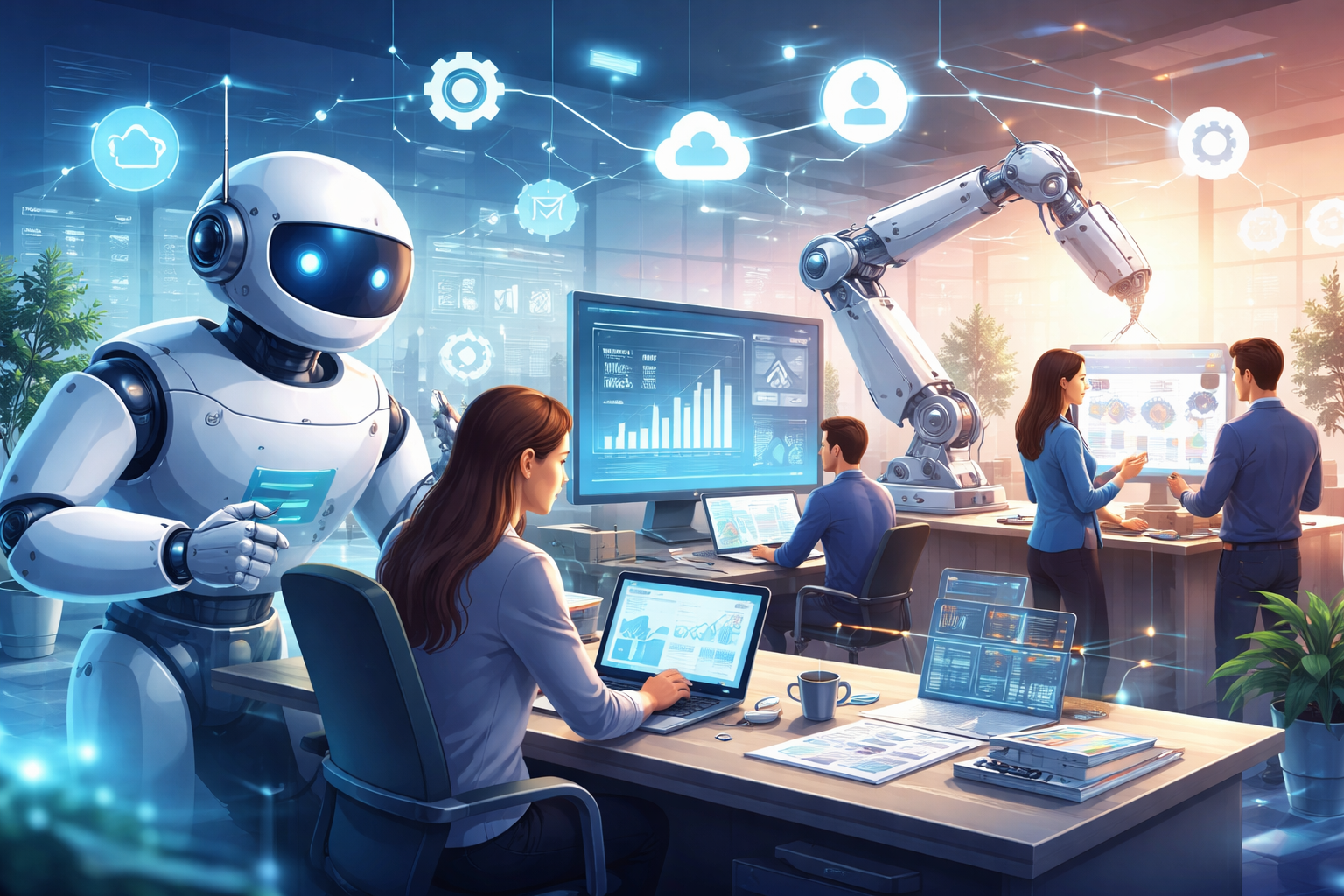
Many organizations rely on automated systems to manage data, process transactions, and organize workflows. These technologies reduce manual work and help businesses operate faster.
Work environments continue to change as automated systems handle routine processes. Employees spend less time on repetitive tasks and more time on planning, creativity, and problem solving.
Technology does not remove the need for human workers. Human judgment, communication, and creativity remain valuable in every organization.
What Automation Means in the Workplace
Automation refers to machines or software performing tasks with limited human involvement. These systems follow programmed instructions or analyze information using artificial intelligence.
Many companies adopt automation for repetitive tasks such as data entry, report generation, or document management.
Office software can organize emails, track project progress, and generate reports automatically. These tools help reduce the time employees spend on routine activities.
Small utilities can help with everyday digital work. Writers, students, and professionals often rely on simple tools such as a Text to PDF converter when preparing documents or a Case Converter tool when formatting text.
These small tools save time during daily tasks and support productivity.
A Brief Look at the History of Automation
Automation started long before computers appeared in offices. Early factories used mechanical machines that increased production speed and reduced manual labor.
Later, computers introduced digital automation. Businesses started using software for payroll management, accounting records, and databases.
Internet technology expanded automation further. Cloud platforms allow organizations to manage work through online systems.
Artificial intelligence now supports more advanced forms of automation. These systems analyze large amounts of information and assist with decision making.
Each stage changed how people interact with technology at work.
Different Types of Automation Used by Businesses
Automation appears in different forms depending on how companies operate.
Process Automation
Process automation focuses on repetitive digital tasks. Businesses use software systems to handle activities such as invoice processing, document storage, and data management.
These systems follow predefined workflows and perform tasks automatically once activated.
Robotic Automation
Robotic automation refers to physical machines used in factories or warehouses.
Robots assemble products, transport materials, and perform inspections with high precision.
Human workers supervise these machines and manage technical operations.
Robotic Process Automation
Robotic process automation involves software robots that imitate human actions on computers.
These programs log into platforms, transfer data between systems, and perform administrative procedures.
Finance departments often use this technology to process large volumes of transactions.
Intelligent Automation
Intelligent automation combines automation with artificial intelligence.
These systems analyze data patterns and generate recommendations based on information.
Banks sometimes use these systems to monitor transaction activity and identify unusual behavior.
Industries Where Automation Is Growing Rapidly
Automation appears across many industries. Some sectors rely on it heavily because they manage large amounts of data or repetitive processes.
Manufacturing
Manufacturing companies use robotic machines for product assembly and quality inspection.
For example, Tesla uses automated robots in its vehicle production lines to assemble parts with high precision.
Workers supervise production equipment and maintain the machines.
Finance
Financial institutions rely on automated systems to process payments and manage account records.
For instance, PayPal uses automated systems to review transactions and identify suspicious activity.
These systems process large volumes of payments quickly.
Retail and E Commerce
Retail companies use automation for inventory tracking and warehouse management.
For example, Amazon uses robotic systems in warehouses to move products between storage locations and packing stations.
These machines speed up order processing.
Healthcare
Healthcare institutions use digital systems to manage patient records and appointment scheduling.
Hospitals often rely on automated record systems that allow medical professionals to access patient data quickly.
Marketing
Marketing teams use automated platforms to manage email campaigns and analyze customer behavior.
Companies such as HubSpot provide marketing automation software that helps businesses schedule campaigns and track engagement data.
Marketing teams often combine these platforms with small productivity tools when preparing content or managing large volumes of text.
Effects of Automation on Jobs
Automation changes how jobs are structured in many industries.
Some roles decline when machines perform repetitive work that once required manual effort. Data entry and routine administrative tasks represent common examples.
New roles appear in fields related to technology management, data analysis, and system supervision.
Companies need professionals who understand automated platforms and digital operations.
Human skills such as communication, creativity, and strategic thinking remain valuable.
Workers who develop digital knowledge often adapt more easily to automated workplaces.
Productivity Improvements From Automation
Automation increases efficiency by performing repetitive tasks quickly and accurately.
Businesses benefit from faster processing of information and improved organization of records.
Machines can operate continuously without breaks, allowing companies to handle larger workloads.
Automation reduces human error in tasks such as calculations or database management.
Employees gain more time for planning, communication, and creative work.
These improvements support stronger productivity within organizations.
Skills Workers Need in Automated Workplaces
Technology driven workplaces require new types of skills.
Workers benefit from developing digital literacy and analytical thinking.
Important abilities include:
- Data analysis
- Software management
- Digital communication
- Problem solving
- Creative thinking
Many companies offer training programs that help employees understand automated systems used in their organizations.
Continuous skill development helps workers adapt as workplace technologies evolve.
Automation and Remote Work
Automation supports remote work through digital platforms that organize tasks and communication.
Project management tools assign tasks, track deadlines, and send reminders automatically.
Cloud software allows teams to collaborate from different locations.
Businesses monitor workflow progress through automated reporting systems.
Remote teams rely on these technologies to maintain organized operations.
Automation helps distributed teams coordinate projects efficiently.
Challenges Businesses Face With Automation
Organizations face several challenges when introducing automated systems.
Skill Gaps
Employees may need training before they can operate advanced systems.
Companies invest in education programs that introduce new technologies.
System Integration
Businesses often use multiple software platforms. Integrating automated systems with existing infrastructure requires planning.
Data Security
Automated platforms store large amounts of information. Strong security systems protect this data from unauthorized access.
Ethical Concerns
Automated decision systems may influence hiring processes, loan approvals, or customer interactions.
Organizations address these concerns through careful monitoring and responsible system design.
Automation and Small Businesses
Automation is not limited to large corporations. Small businesses use affordable software tools to automate daily tasks.
Examples include:
- Customer communication systems
- Appointment scheduling platforms
- Accounting software
- Email marketing tools
These tools reduce administrative workload for business owners.
Entrepreneurs gain more time to focus on strategy, product development, and customer relationships.
Automation allows smaller companies to operate efficiently without large teams.
Human Creativity and Decision Making
Machines perform calculations and repetitive tasks with high precision. Human creativity remains difficult for machines to replicate.
Creative professionals design products, write content, and develop marketing ideas.
Managers review automated reports and guide business strategies.
Human judgment supports complex decisions that require experience and understanding.
Technology and human expertise work together to create productive organizations.
Future Outlook for Automated Workplaces
Automation continues expanding as artificial intelligence and data technologies advance.
Businesses experiment with systems that analyze customer behavior, predict demand, and manage operations.
Workplaces may include intelligent assistants that support daily tasks and provide information to employees.
Education systems increasingly focus on technology skills and analytical thinking.
Workers who remain adaptable will find new opportunities as industries continue adopting automated systems.
Automation will continue influencing how companies operate and how employees perform their work.
Frequently Asked Questions
What is automation in the workplace?
Automation in the workplace refers to the use of software, machines, or digital systems that perform tasks without constant human involvement. These systems follow programmed instructions or analyze data to complete tasks such as data processing, report generation, or workflow management.
How does automation affect jobs?
Automation changes the type of work people perform. Repetitive tasks often move to machines or software systems. Workers shift toward roles that involve decision making, analysis, communication, and system management.
Which industries use automation the most?
Several industries rely heavily on automation. Manufacturing uses robotic equipment for production tasks. Banking uses automated systems for transaction processing and fraud detection. Retail companies use automated inventory management. Healthcare institutions use digital records and scheduling systems.
Can automation increase productivity?
Automation improves productivity by reducing manual effort and minimizing errors. Machines perform repetitive tasks consistently and handle large amounts of data quickly. Businesses complete processes faster and manage operations more efficiently.
Does automation remove the need for human workers?
Automation does not remove the need for people. Human judgment, creativity, communication, and strategic thinking remain necessary in many roles. Technology performs repetitive work while people focus on complex tasks and decision making.
What skills are useful in an automated workplace?
Workers benefit from skills such as data analysis, digital communication, problem solving, and technical understanding of software systems. Continuous skill development helps individuals adapt to technological changes in the workplace.
Can small businesses benefit from automation?
Small businesses gain advantages from automation through affordable digital tools. These systems help manage customer communication, accounting records, appointment scheduling, and marketing activities, which reduces administrative workload.
What challenges can businesses face when adopting automation?
Organizations may face challenges such as employee training, integration of new systems with existing software, and protection of sensitive data. Careful planning and proper training help businesses address these challenges effectively.