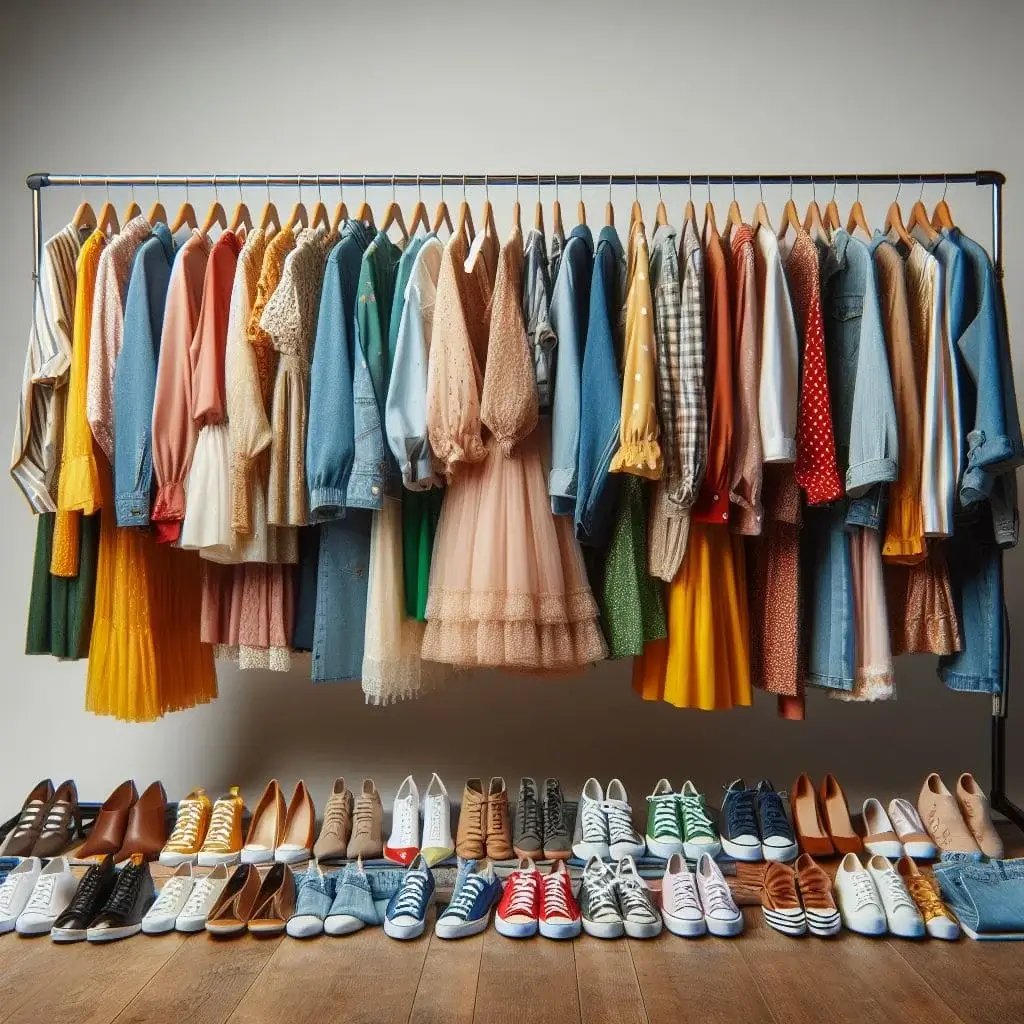
AI Image Prompts for High Quality Image Generation
AI image prompts are clear text instructions that guide artificial intelligence tools to generate images. A well written prompt describes the subject, background, lighting, style, and detail level, which helps produce higher quality results. By adding specific elements like camera angle, natural light, or realistic texture, you can create professional visuals for social media, marketing, blogs, or creative projects using simple text input.
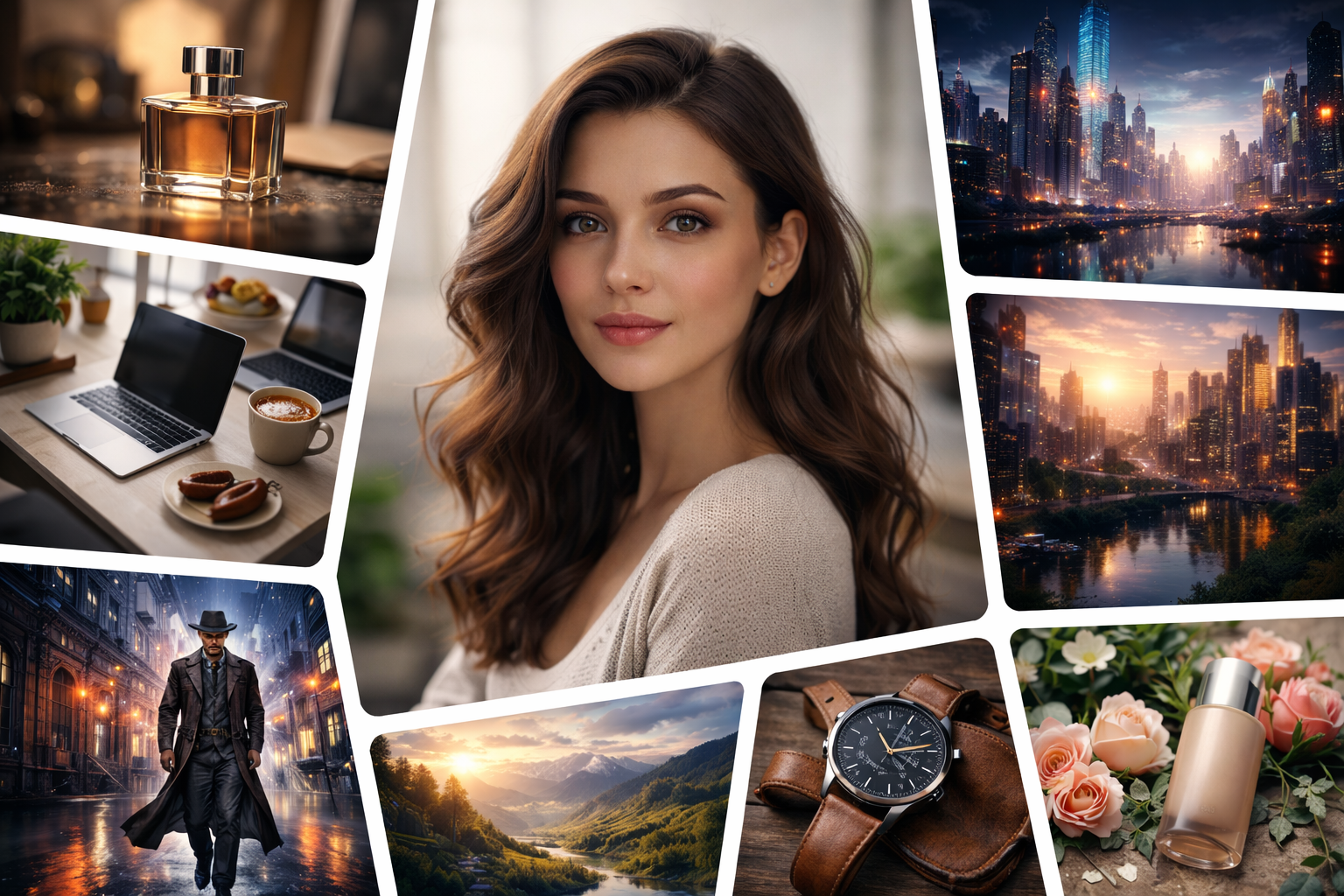
AI image prompts are written instructions that guide artificial intelligence tools to create images from text. The quality of the output depends heavily on how clearly and precisely the prompt is written. A vague sentence often produces an average image. A structured and detailed prompt can produce a highly refined visual suitable for marketing, branding, content creation, or personal projects.
Modern AI systems such as those developed by OpenAI and platforms like Midjourney and Canva rely on text descriptions to understand what users want to create. Learning how to write effective AI image prompts gives you more control over lighting, composition, style, and mood.
This guide explains how AI image prompts work, how to structure them properly, common mistakes to avoid, and a large collection of ready to use prompts you can copy and paste.
What Are AI Image Prompts
An AI image prompt is a descriptive sentence or paragraph that tells an AI model what kind of image to generate. It can describe:
- Subject
- Appearance
- Location
- Lighting
- Camera angle
- Art style
- Level of detail
- Color tone
- Mood
A simple example: A mountain at sunset
A more detailed version: A dramatic mountain peak during golden hour, warm sunlight, detailed clouds, wide angle photography, sharp focus, natural color tones
The second prompt provides clarity and depth, which usually leads to a better image.
How AI Image Prompts Influence Image Quality
AI models are trained on massive datasets containing images paired with text. When you type a prompt, the system predicts a visual representation based on patterns it learned during training.
Clear instructions improve the output. For example, adding lighting conditions such as soft natural light, studio light, or cinematic lighting can change the mood of the image. Mentioning camera terms like close up, wide angle, macro photography, or shallow depth of field refines composition.
Short prompts may work, yet detailed prompts give stronger control over the final result.
Structure of a Strong AI Image Prompt
A reliable prompt structure often follows this pattern:
- Main subject
- Details about the subject
- Environment or background
- Lighting
- Camera or artistic style
- Quality indicators
Example:
Professional portrait of a confident businesswoman, modern office background, soft natural window light, shallow depth of field, realistic skin texture, high resolution photography
This structure works across most AI image generators.
Best AI Image Prompts by Category
Below is a broad collection of AI image prompts designed for different creative needs.
Realistic Portrait Prompts
- Close up portrait of a young entrepreneur in a modern office, natural window light, realistic skin texture, professional photography
- Studio portrait of a woman with soft makeup, neutral background, sharp focus, high resolution
- Portrait of an elderly man with detailed facial lines, black and white photography
- Outdoor portrait of a student in a park, golden hour lighting, shallow depth of field
- Corporate headshot of a company executive, clean white background, soft studio lighting
- Portrait of a fitness trainer in a gym environment, dramatic side lighting
- Candid portrait of a child laughing outdoors, natural colors
- Fashion portrait with minimal background, editorial photography style
- Close up face portrait with intense eye focus, cinematic shadows
- Portrait of an artist in a bright studio, documentary style
Cinematic Scene Prompts
- A detective walking through a rainy city street at night, neon reflections on wet pavement, cinematic lighting
- Hero standing on a cliff above the ocean at sunset, dramatic sky, wide angle shot
- Futuristic city skyline at dusk, glowing buildings, ultra detailed architecture
- Desert traveler crossing sand dunes during sunset, long shadows
- Space explorer inside a spacecraft cockpit, glowing control panels
- Ancient warrior standing in fog, epic atmosphere
- Abandoned industrial warehouse with beams of light entering through broken windows
- Mountain village covered in snow, soft morning light
- Busy historical marketplace with detailed clothing and facial expressions
- Underwater scene with a diver surrounded by fish, realistic water lighting
Product Photography Prompts
- Luxury perfume bottle on a reflective surface, soft studio lighting, commercial style
- Modern smartphone placed on a clean desk, minimal background, sharp focus
- Sports shoes displayed on a dark background, dramatic lighting
- Leather wallet on a wooden table, natural light, lifestyle photography
- Coffee cup with steam rising, warm tones, close up photography
- Skincare jar with soft pastel background, glossy finish
- Smartwatch on wrist outdoors, shallow depth of field
- Sunglasses placed on beach sand, bright sunlight
- Laptop on office desk with subtle background blur
- Cosmetic product with water droplets, clean commercial look
Social Media Content Prompts
- Modern workspace flat lay with laptop and notebook, natural light
- Influencer style street portrait in urban setting
- Minimal desk setup with clean aesthetic, top view
- Healthy breakfast bowl with fresh fruits, bright lighting
- Travel photo near a waterfall, cinematic color tone
- Fitness coach posing inside gym, realistic lighting
- Stylish outfit photo for fashion content, outdoor setting
- Creative digital artist workspace with tablet and stylus
- Cozy home interior with warm lighting
- Inspirational quote displayed on textured background
Fantasy and Concept Art Prompts
- Mystical forest with glowing trees and floating lights, fantasy art style
- Dragon flying above a medieval castle at sunset
- Powerful mage casting a spell in a grand hall
- Floating islands in the sky with waterfalls
- Knight in shining armor holding a glowing sword
- Magical portal opening in a desert at night
- Enchanted library with floating books and golden light
- Phoenix rising from flames, detailed feathers
- Giant ancient tree with hidden door at its base
- Underwater kingdom with glowing coral structures
Tips for Writing High Quality AI Image Prompts
Be clear and descriptive
Use strong adjectives related to light and texture
Mention camera perspective such as close up or wide angle
Include environment details
Avoid conflicting instructions
Test variations of the same idea
Refining a prompt step by step can gradually improve the visual result.
Common Mistakes to Avoid
Using extremely short prompts
Adding too many unrelated concepts in one sentence
Ignoring lighting and composition
Repeating vague words such as nice or good
Expecting identical results every time
AI image generation includes variation. Small wording changes can shift the outcome.
If you want ready to use examples, you can check our complete AI image prompts collection here.
Using AI Image Prompts for Business and Content Creation
Businesses use AI generated images for:
- Marketing graphics
- Blog featured images
- Advertising concepts
- Product mockups
- Brand visuals
- Social media posts
A well written AI image prompt can help create visuals that align with brand tone and messaging without hiring a full design team.
Advanced Prompt Writing Techniques
Once you understand the basic structure of AI image prompts, you can move toward more refined control techniques. These methods help you shape composition, realism, artistic tone, and clarity with greater precision.
Layered Detailing
Instead of writing everything in one long sentence, think in layers. Start with the core subject, then add layers of refinement.
Example progression:
Basic - A woman sitting in a cafe
Improved - A young woman sitting in a modern cafe, natural window light
Refined - A young woman sitting in a modern cafe near a large glass window, soft natural morning light, shallow depth of field, realistic photography, detailed skin texture
Each added layer narrows interpretation and guides the AI toward a specific outcome.
Controlling Lighting and Mood
Lighting is one of the strongest factors in image quality. A simple lighting adjustment can completely change emotional tone.
Common lighting descriptions you can use:
- Soft natural light
- Golden hour sunlight
- Dramatic side lighting
- Studio light with soft shadows
- Low key lighting with strong contrast
- Bright daylight with neutral tones
- Warm indoor ambient light
- Cool blue night lighting
Example:
Luxury dining table setup with candles, warm ambient light, high detail, realistic photography
Lighting shapes realism and atmosphere more than most other elements.
Camera and Composition Keywords
AI models respond strongly to photography terms. Adding these keywords improves structure and framing.
Useful composition phrases:
- Close up shot
- Wide angle photography
- Top view perspective
- Eye level shot
- Shallow depth of field
- Macro photography
- High resolution
- Sharp focus
- Professional photography
Example:
Handcrafted jewelry on a marble table, macro photography, sharp focus, shallow depth of field, soft studio lighting
This type of detail often increases output quality.
Art Style Control
If you want non realistic images, style keywords become very important.
Art style examples:
- Digital illustration
- Oil painting style
- Watercolor painting
- Concept art
- Minimalist design
- Flat illustration
- Anime style
- Sketch drawing
- 3D render
Example:
Modern living room interior, minimalist design, soft pastel colors, 3D render, clean composition
Changing the style phrase can completely transform the same subject.
Using AI Image Prompts for Different Industries
AI image prompts are not limited to creative hobbies. Many industries benefit from them.
Ecommerce
Online stores use AI prompts for:
- Product mockups
- Lifestyle product shots
- Promotional banners
- Seasonal campaign visuals
Example:
Premium leather handbag placed on a wooden shelf, soft studio lighting, commercial photography, clean background
This type of prompt works well for product listings.
Blogging and Content Marketing
Bloggers often need featured images for articles. Instead of generic stock photos, custom AI generated images offer uniqueness.
Example:
Modern workspace with laptop and notebook, natural light from window, minimal aesthetic, top view photography
A consistent visual style helps build brand identity.
Social Media Marketing
Content creators use AI image prompts to design:
- Quote backgrounds
- Thumbnail images
- Instagram post visuals
- Ad creatives
Example:
Motivational quote background with soft gradient colors, clean typography layout, modern digital design
These visuals can be generated quickly without advanced design software.
Refining Prompts Through Iteration
AI image generation improves with repetition and adjustment. If the first result does not meet expectations, modify small parts of the prompt instead of rewriting everything.
For example:
Original - Modern office interior with large windows
Refined - Modern office interior with large glass windows, natural daylight, minimal furniture, clean design, high resolution
You can refine lighting, color tone, or perspective separately. Small adjustments often create noticeable differences.
Understanding Prompt Specificity
Too much detail can sometimes overwhelm the system. Balance is important. Clear instructions work better than long complicated descriptions with unrelated elements.
Compare:
Overloaded - A futuristic city with medieval knights, underwater effects, jungle background, neon lights, snowstorm, bright daylight
Focused - Futuristic city skyline at night, neon lights reflecting on glass buildings, cinematic lighting, high detail
The focused version gives clearer direction.
Creating Consistent Visual Style
If you need multiple images for a project, repeat core style elements in each prompt.
For example, if your brand uses soft natural light and minimal design, keep those words consistent across prompts. This creates visual harmony across your content.
Consistent keywords may include:
- Soft natural lighting
- Neutral color palette
- Clean background
- Professional photography
- High detail
Repeating these anchors keeps outputs aligned.
Improving Realism in AI Images
Realism depends on texture, light, and detail. Add references to:
- Skin texture
- Fabric texture
- Natural shadows
- Realistic reflections
- Balanced exposure
Example:
Close up portrait of a chef in kitchen, natural window light, realistic skin texture, detailed fabric folds, sharp focus
Details like texture and exposure create depth.
Ethical and Practical Considerations
When using AI image prompts for commercial purposes, avoid copying copyrighted characters or brand logos without permission. Original descriptions reduce legal risk.
Focus on creating original concepts that match your message or product.
Building a Prompt Library
Keeping a personal collection of tested prompts saves time. Organize them by category such as portraits, product shots, backgrounds, or marketing visuals. When you find a prompt that produces strong results, store it and reuse it with slight variations.
A prompt library becomes more valuable over time.
AI image prompts are powerful tools for generating high quality visuals using simple text instructions. Clear structure, lighting control, composition details, and style direction all influence the outcome. With practice and careful refinement, you can produce professional images suitable for business, marketing, creative projects, or personal use without advanced design skills.
Frequently Asked Questions
How long should an AI image prompt be
There is no fixed rule. Detailed prompts often give more accurate results than very short ones.
Do all AI image tools respond the same way
Each platform interprets prompts differently. Testing your prompt across tools can produce varied outputs.
Can I reuse prompts
Yes. You can reuse and adjust small elements like lighting or style for new variations.
Why does my image look unrealistic
The prompt may lack detail about lighting, texture, or camera perspective. Adding these elements usually improves realism.
Where can I find ready made AI prompts
You can browse our full AI image prompts library for curated copy and paste examples.